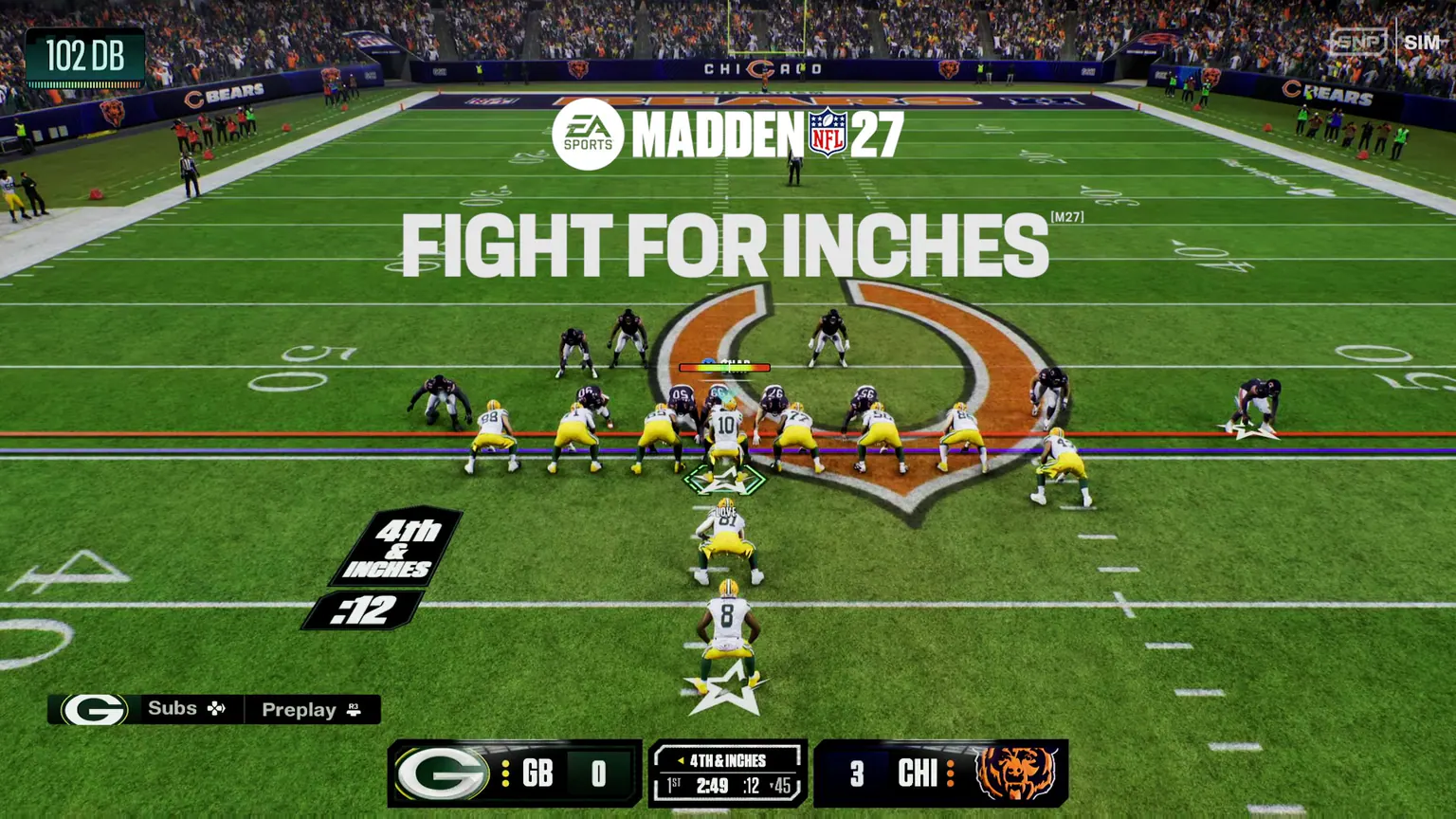
The announced control hubs
EA says the pre-play layout was reorganized so related actions live together. On the cited console controls, D-pad up and down change the camera, left opens Coach Vision, right opens Dynamic Subs, and the left trigger groups major offensive protection actions.
On defense, holding the left trigger opens a Global Coverage Adjustment hub. The announced options include press or back off, inside or outside leverage, directional pass commit, Smart Zone strategy, Deep Zone Focus, clearing that focus, and help on a selected receiver.
Alignment and coverage trade-offs
EA announced controls for cornerback depth and width plus safety depth, width, and midpoint. These tools are intended to change where defenders align relative to route threats, the box, the sideline, or offensive strength.
Smart Zones range from aggressive short-route behavior to conservative vertical protection. EA's own explanation makes the cost explicit: jumping shorter routes can expose deeper space, while protecting deep can concede underneath completions.
Extended plays and featured receivers
Plaster Logic is announced to control whether and when zone defenders attach to nearby receivers after a play extends. Trigger choices include the quarterback leaving the pocket, a time condition, or both, with different aggression levels.
Roll Coverage can direct help toward criteria such as the fastest player, the field or boundary, the highest-rated player, pass strength, or a selected receiver role. Double Team is announced as a separate way to bracket a user-selected receiver.
Stacks, bunches, and formation disguise
EA lists match checks such as Box, Bingo, Triangle, Point Triangle, Skate, Skinny, Stress, Stubbie, Stump, Solo, and Zone It for handling modern receiver distributions. These are football concepts, not guaranteed counters.
Formation Shifts are announced to move a selected play into an eligible formation with the same personnel grouping. That can disguise presentation without changing personnel, but the exact eligible transitions depend on the shipped playbook and package.
Turn information into a gameplan
Start with the threat you are seeing, then choose the tool whose documented purpose addresses it. Compare the intended benefit with EA's stated trade-off before saving a Custom Adjustment.
These mappings are independent planning prompts, not EA gameplans or guaranteed counters. Personnel, ratings, calls, difficulty, and tuning can change the result.
- Quick game: compare aggressive Smart Zone behavior with the risk of deeper space opening
- Vertical shots: compare conservative deep protection with the underneath completions it can concede
- Extended quarterback play: inspect Plaster Logic triggers before changing aggression
- Featured receiver: compare Roll Coverage criteria with the separate Double Team option
- Formation disguise: confirm the same personnel grouping is eligible before calling a Formation Shift