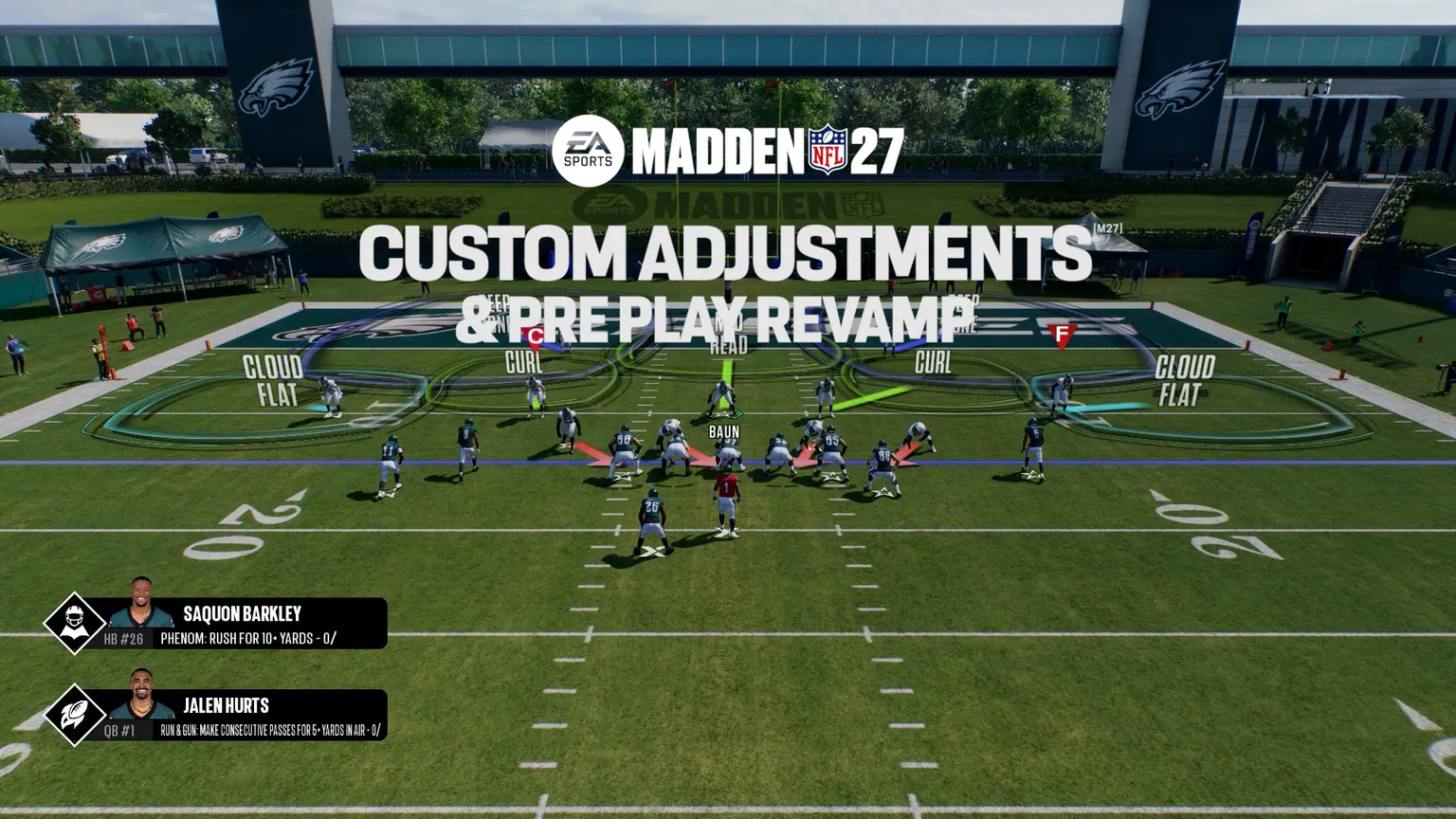
Build and activate a package
EA's pre-launch path is Create and Share, then Custom Adjustments. The article says players can build, name, and save packages from a wide set of offensive and defensive tools.
EA says players can create 20 adjustments on offense and 20 on defense, then select 10 active adjustments for a game. The source does not say whether the 10-slot limit is combined or per side, so that scope remains unknown.
EA-listed preset macros
EA says players who do not build a custom package can use preset macros. These names are confirmed, but their complete internal settings and gameplay effectiveness have not been documented in the cited article.
- Defense: QB Scramble, Play Short Routes, No Deep Passes, Defend Screen Pass
- Offense: Go Vertical, Slants, Mesh, Outs, Smart Routes, Comebacks, Double Moves, Zigs
Calling an adjustment before the snap
EA says Custom Adjustments appear from the play-call screen by holding the corresponding play button. At the line of scrimmage, L1 or LB is the announced Custom Adjustment button for offense and defense.
After one adjustment is applied, the players must get set before another can be applied. EA also says Custom Adjustments are not affected by Home Field Advantage. PC and Nintendo Switch 2 inputs remain undocumented here.
Closed Beta caveat
EA's official Closed Beta Known Issues stated that Custom Adjustments and Individual Adjustments were not fully functional and that a macro might not respect all of its settings.
That warning applies to the June test build, not automatically to the retail release. The correct launch question is whether the issue reproduces on a named retail build after any available update.