01The control boundary
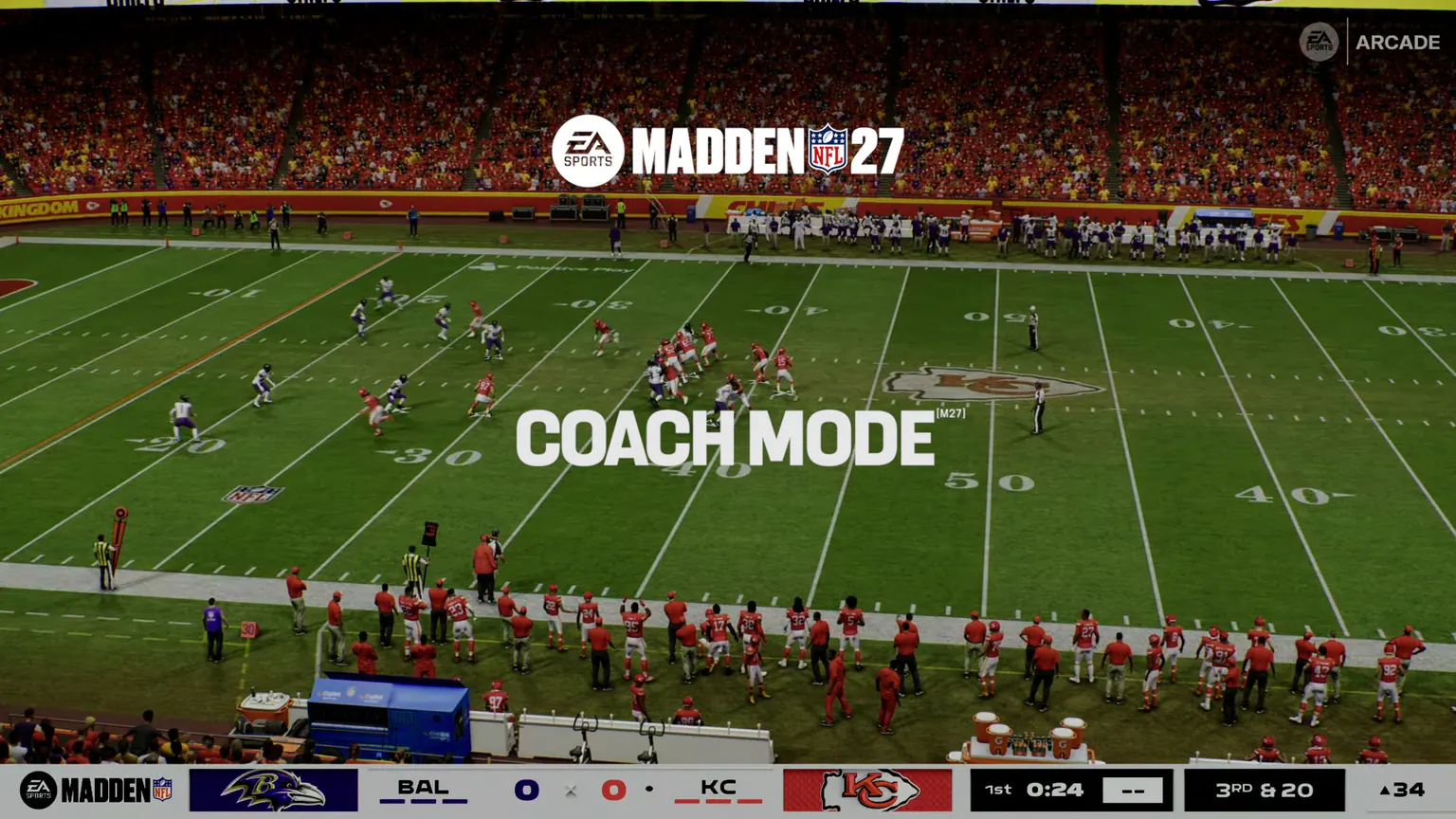
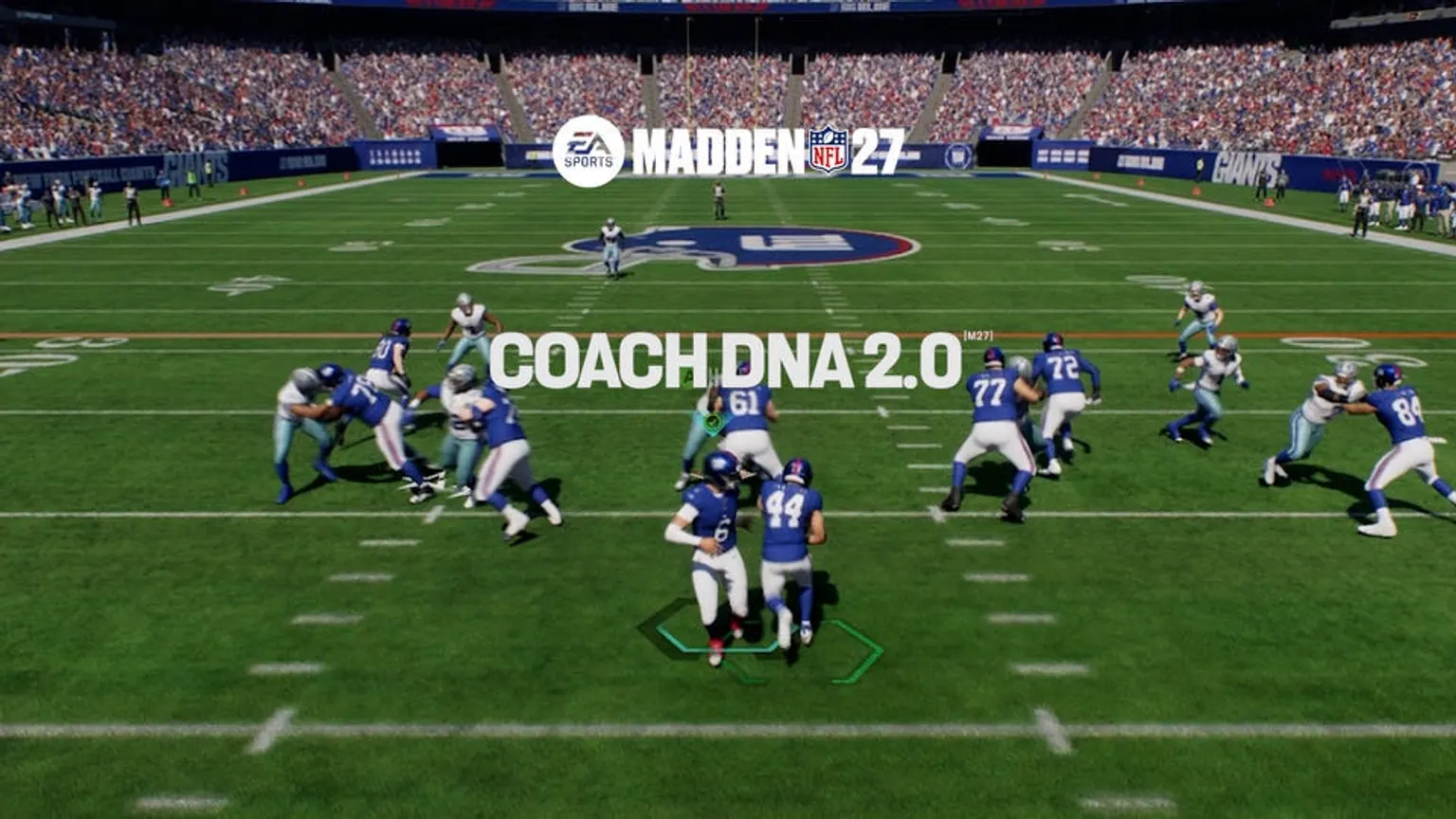
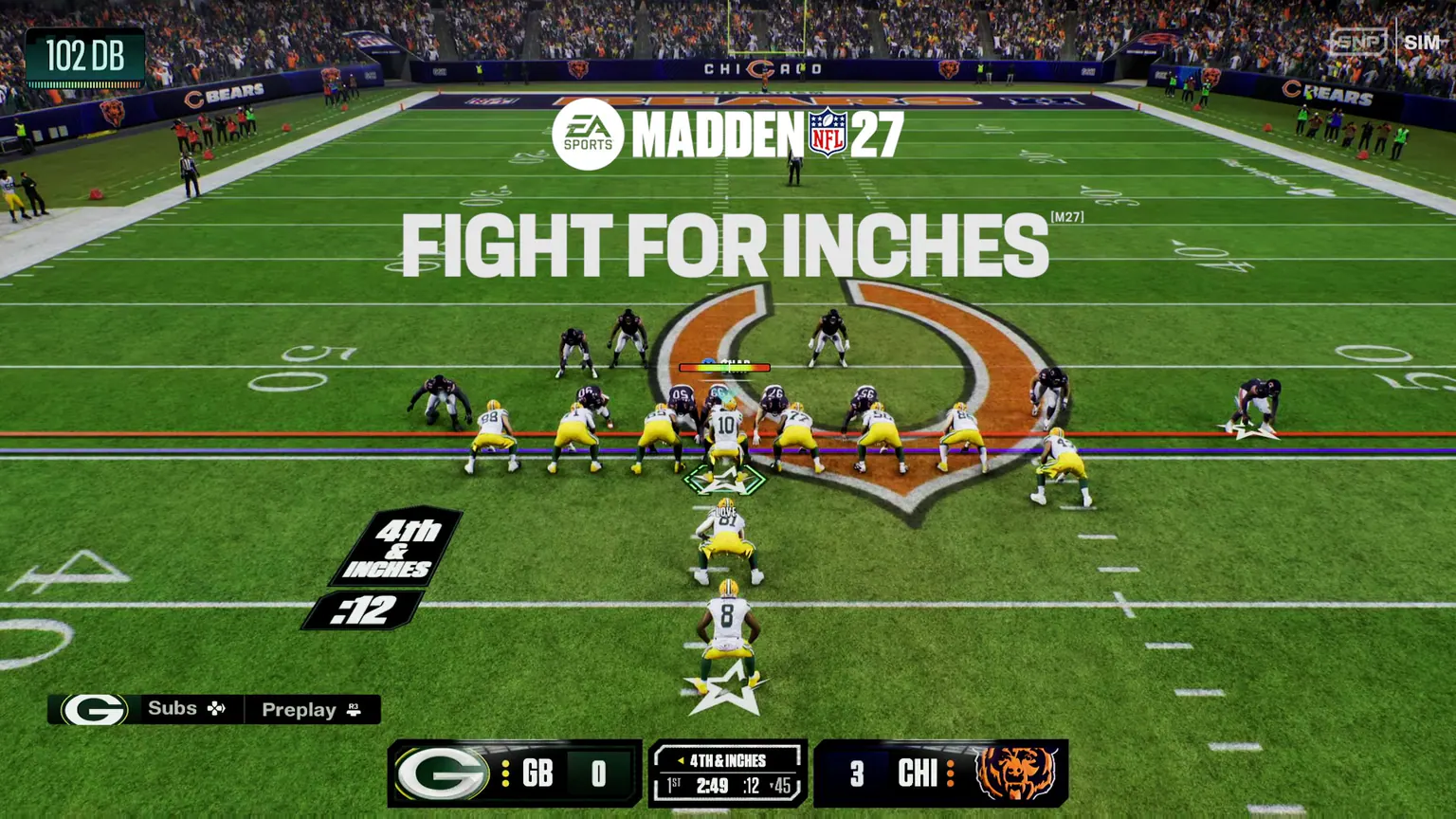
The clearest official distinction is the snap. EA says the player remains the strategist before the snap and the CPU takes over execution after it. That makes Coach Mode a planning and play-calling experience rather than a normal stick-skill mode.
The public material does not document every exception to that handoff. Special teams, penalties, loose balls, pause-state choices, and emergency control scenarios therefore remain open questions until they are reproduced on a retail build.
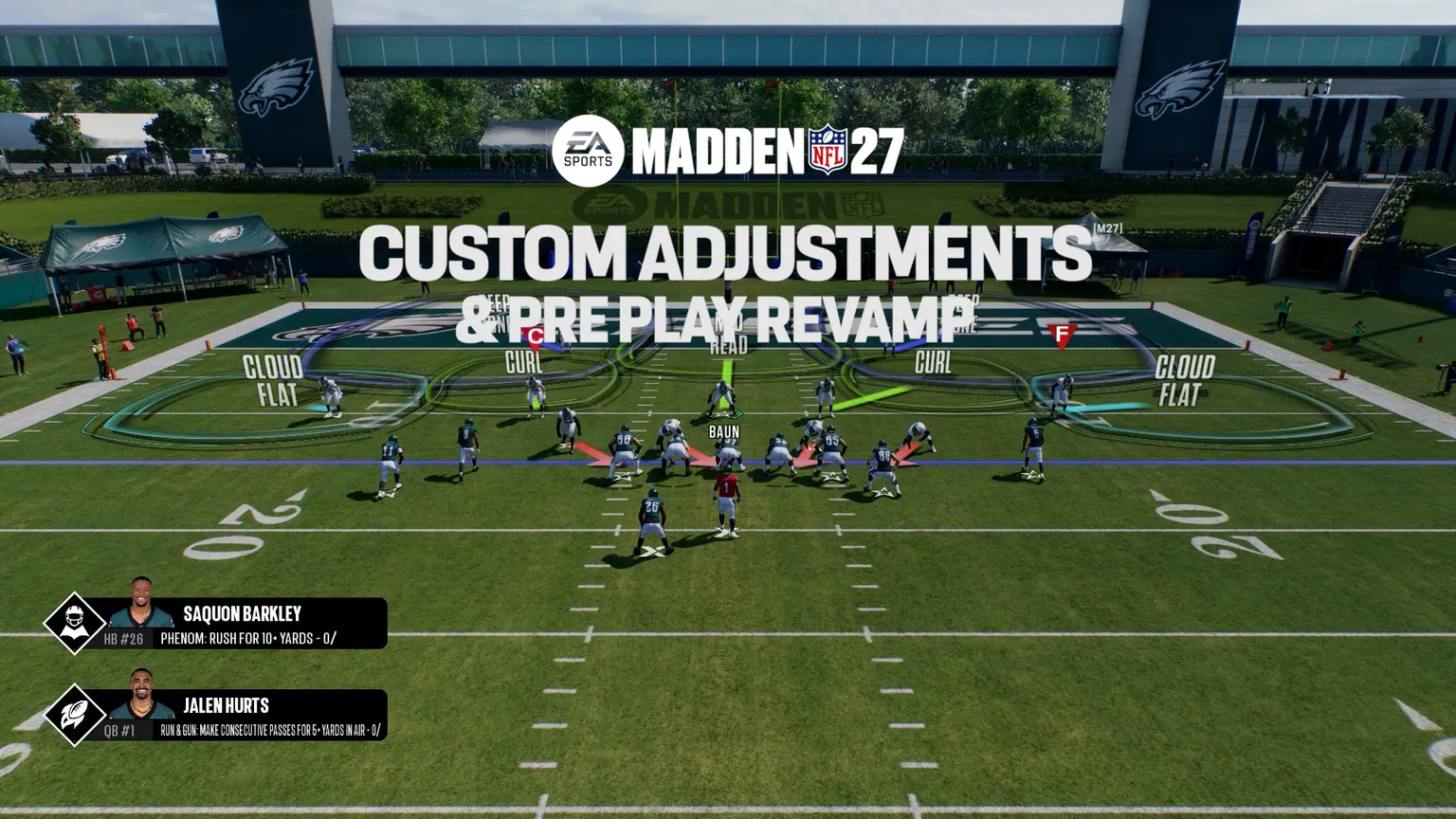
02EA lists five settings that shape how hands-on the player can be: Auto Quarterback, Auto Snap, Coach Suggestions, Pre-Play Cutoff, and Pre-Play Audio. Only the cutoff behavior is explained in detail in the published article.
EA also announced a quarterback coaching command: hold RT or R2 with a receiver icon to identify the primary read. On RPOs, the same coaching layer can communicate a handoff or throw preference.
EVIDENCE NOTEThe published controls are console examples. PC and Nintendo Switch 2 prompts have not been documented in the cited material.03How Coach Mode fits Franchise
The Franchise Deep Dive positions Coach Mode inside a broader decision-making loop. A player can call the game, manage the roster, respond to Emergent Actions, and watch the roster carry out the plan.
EA says the feature can support either direct involvement in simulation or a more purely decision-driven approach. That is a product description, not evidence that every desired level of automation works identically across modes or platforms.
04What the sources do not establish
EA said in June that it was working on a camera designed for Coach Mode. The cited source does not give a final camera name or an exact list of available views.
The activation path and parity between online and offline Franchise are also undocumented. Any verified result needs the platform, mode, game version, and active settings.