College Football career importOfficial retail workflow documentedUPDATED

Madden 27 Road to Glory Import Guide

EA's Road to Glory export and Madden 27 Superstar import path, supported platforms, requirements, transferred fields, save limit and Draft Score boundary.

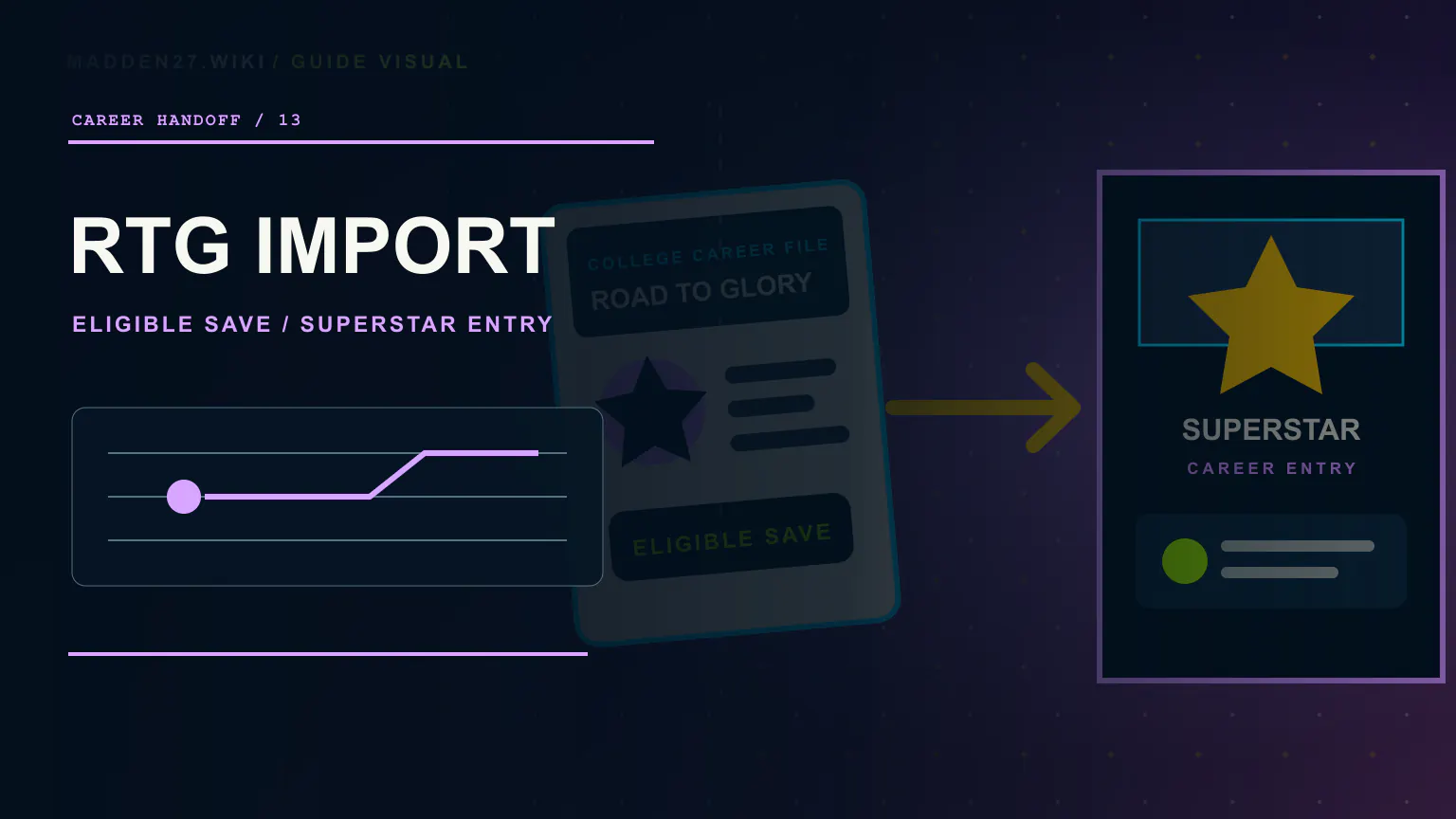
Editorial Madden NFL 27 Road to Glory import artwork moving an eligible college career file into a Superstar career profile
Read EA's Madden NFL 27 Superstar Deep Dive
THE SHORT ANSWER01

On PC, PlayStation 5, and Xbox Series X|S, use the same EA Account in both games and stay connected to the internet. In College Football 27, open Road to Glory, choose Actions, Leave for the NFL, then Export Player to Madden. Launch Madden NFL 27, open Superstar, select the athlete's matching position, and choose Import. The athlete must be NFL Draft eligible and the Road to Glory career must be complete or saved in its final season.

01

EA Help documents the Road to Glory export and Superstar import path for PC, PlayStation 5, and Xbox Series X|S, with the same EA Account, an internet connection, NFL Draft eligibility, and a completed or final-season Road to Glory save required.

02

EA Help says one Road to Glory athlete can be imported per Madden NFL 27 save file and lists position, overall player rating, career achievements, college, and hometown among the transferred fields.

03

The Road to Glory Draft Score influences how NFL teams evaluate the imported athlete and affects draft position, but EA has not published a score-to-round, pick, or team formula.

01

Check the platform, account, and career requirements

EA Help lists the transfer on PC, PlayStation 5, and Xbox Series X|S. The same EA Account must be used for College Football 27 and Madden NFL 27, and the player must be connected to the internet.

The Road to Glory athlete must be NFL Draft eligible. EA Help also says the Road to Glory career must be completed or saved during its final season before export.

EVIDENCE NOTEEA Help does not list Nintendo Switch 2 for this transfer workflow.
02

Use the official export and import path

From the College Football 27 main menu, open Road to Glory. Choose the Actions tab, select Leave for the NFL, and then choose Export Player to Madden.

Exit College Football 27 and launch Madden NFL 27. Open Superstar, select the position that matches the exported athlete, and choose Import. This is an in-game career handoff rather than a file that is installed separately.

  • College Football 27: Road to Glory > Actions > Leave for the NFL > Export Player to Madden
  • Madden NFL 27: Superstar > matching position > Import
03

Know the save limit and transferred fields

EA Help says a Road to Glory athlete can be imported once per Madden NFL 27 save file. Plan the career handoff before confirming it rather than assuming the same save accepts repeated imports.

The fields EA Help lists are position, overall player rating, career achievements, college, and hometown. Career-achievement examples include the Heisman and championship appearances; the page does not promise that the entire college save, every statistic, teammates, schedule, or depth chart transfers.

04

Treat Draft Score as influence, not a guaranteed pick

EA says the Road to Glory Draft Score contributes to how NFL teams evaluate the imported athlete and affects draft position. That makes college performance and the displayed Draft Score relevant to the Superstar starting point.

EA has not published a formula that converts one score into an exact round, pick, or team. The documented import also goes to a matching Superstar position; it is not a general roster-editor import, and owning or installing the games through a bundle does not replace the export-and-import steps.

  • Use the same EA Account in both games
  • Complete Road to Glory or save during the final season
  • Confirm NFL Draft eligibility before export
  • Record the Draft Score and resulting draft position without inferring a formula
/ OPEN VERIFICATION

What still needs a versioned test

  1. 01Recheck the EA Help workflow after platform, account-linking, save-limit, import-summary, or career-entry updates; record failure messages and resulting draft positions without inferring a Draft Score formula.
/ QUICK ANSWERS

Madden 27 FAQ

Can I import a College Football 27 Road to Glory player into Madden 27?

Yes. EA Help documents the transfer into Madden NFL 27 Superstar on PC, PlayStation 5, and Xbox Series X|S for an NFL Draft-eligible athlete whose Road to Glory career is complete or saved in its final season.

What do I need before exporting a Road to Glory player?

Use the same EA Account in both games, connect to the internet, make the athlete NFL Draft eligible, and complete the Road to Glory career or save it during the final season.

What is the Madden 27 Road to Glory import menu path?

In College Football 27, open Road to Glory, choose Actions, Leave for the NFL, then Export Player to Madden. Launch Madden NFL 27, open Superstar, select the matching position, and choose Import.

What transfers from College Football 27 to Madden 27?

EA Help lists position, overall player rating, career achievements, college, and hometown. It does not say that the entire Road to Glory save, every statistic, teammates, schedule, or depth chart transfers.

Can I import more than one Road to Glory player into the same Madden 27 save?

No. EA Help says a Road to Glory athlete can be imported once per Madden NFL 27 save file.

Does Road to Glory Draft Score affect Madden 27 draft stock?

Yes. EA says Draft Score influences NFL team evaluation and draft position, but it does not publish a guaranteed score-to-round, pick, or team formula.

Does the MVP Bundle install my Road to Glory player automatically?

No. The player transfer is not a separate install. EA Help requires an export inside College Football 27 followed by an import at the matching position inside Madden NFL 27 Superstar.

Can I import a Road to Glory player into the Madden 27 roster editor?

EA's documented workflow imports the athlete at a matching position into a Madden NFL 27 Superstar save. The cited EA Help article does not document a general or global roster-editor import, so this guide does not claim that workflow is supported.

/ KEEP READING

Next in the film room